Static Riot
PlatformerDraw a path through a comic adventure.
Controls
- Drag the movement stick; push up to jump
- Hold ERASE to attack
- Use DRAW and drag to create ink lines
Couldn't load this game
Check your connection and try again.
Tap the edge tab or swipe back to exit
How to play Static Riot
Use arrows to move, Space to jump and hold E to toss at enemies. Press Q to draw the scene’s bridge or wall. Cross gaps on the finished bridge and attack a rider after it crashes.
Controls
- Drag the movement stick; push up to jump
- Hold ERASE to attack
- Use DRAW and drag to create ink lines
About Static Riot
- by GameXmos
- Platformer
- Browser · Desktop and mobile
- Free, no download
- Only on GameXmos
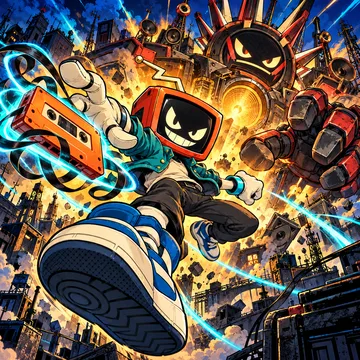
A drawn signal line can become a bridge under your feet or a wall that stops a charging rider. Clear the scenes to restore all five channels. Throwing at monsters is only part of the solution in Static Riot: keep your distance while tossing, then use a drawn route when the next gap is too wide to jump. The journey runs through a midnight diner, a vinyl world, a sky aquarium and a bone carnival before the final Dead Air channel.
Features
- Five channels with six scenes each, ending in Dead Air.
- Signal bridges turn wide gaps into walkable paths.
- Drawn walls stop charging riders and leave them vulnerable.
- Later scenes include three-signal collections, timed survival and shield challenges.
Tips
Draw the wall while a rider is still approaching, then attack after the crash. On a wide gap, use the completed signal bridge as your route instead of trying to jump the whole distance.